Consistency
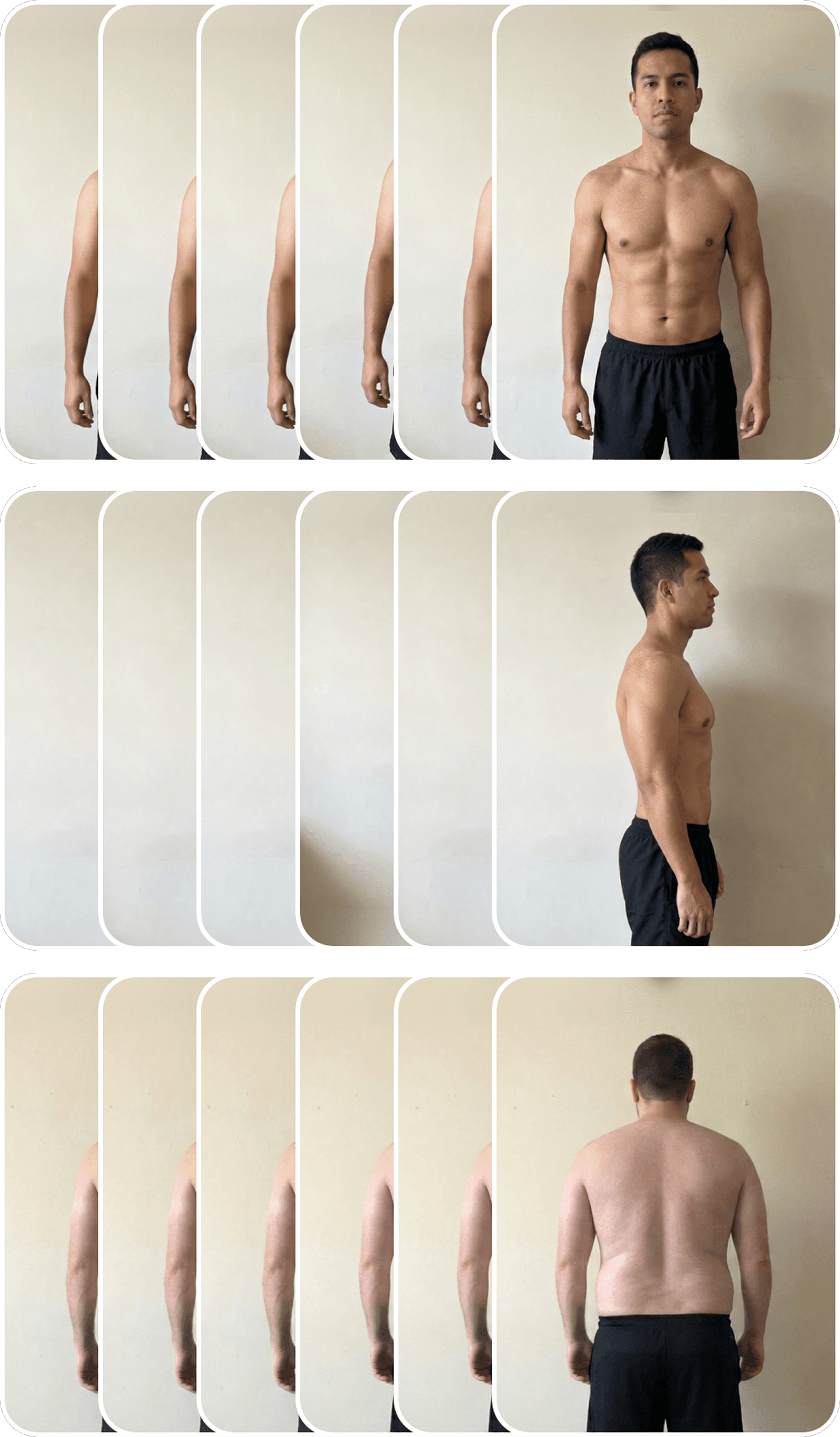
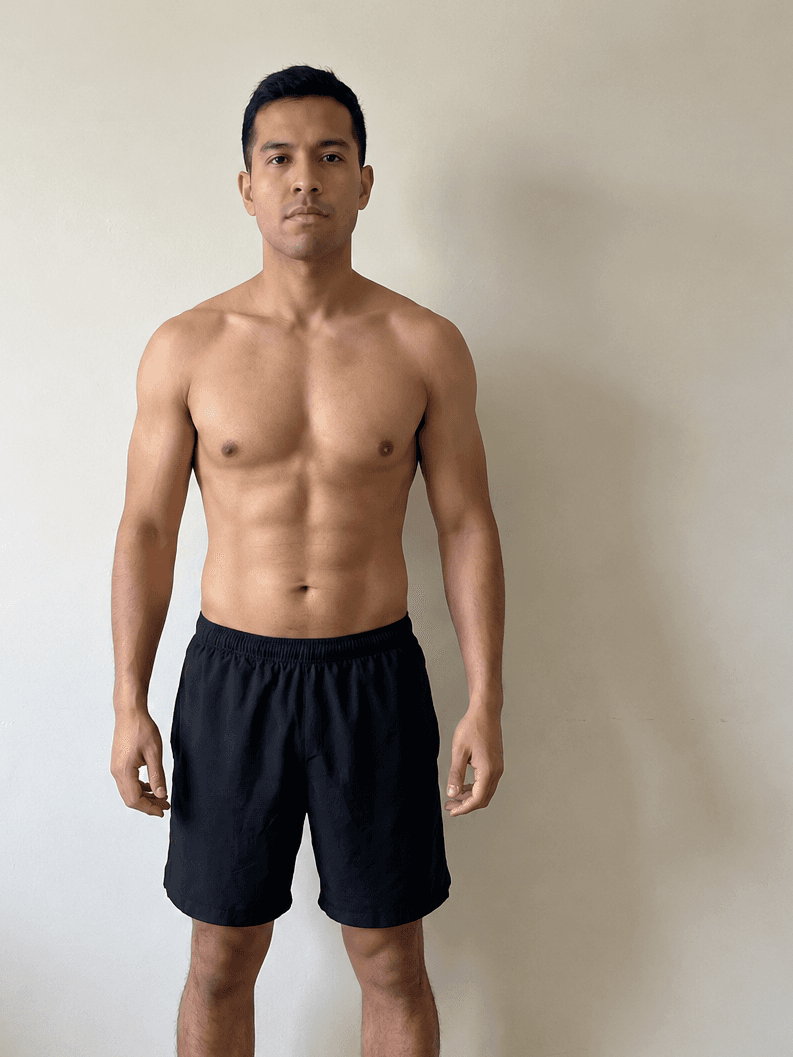
Track progress photos, weight, and body measurements in one simple daily check-in. Front, side, and back angles - organized in a single timeline.
Track your progress photos, weight, and body measurements in one place.
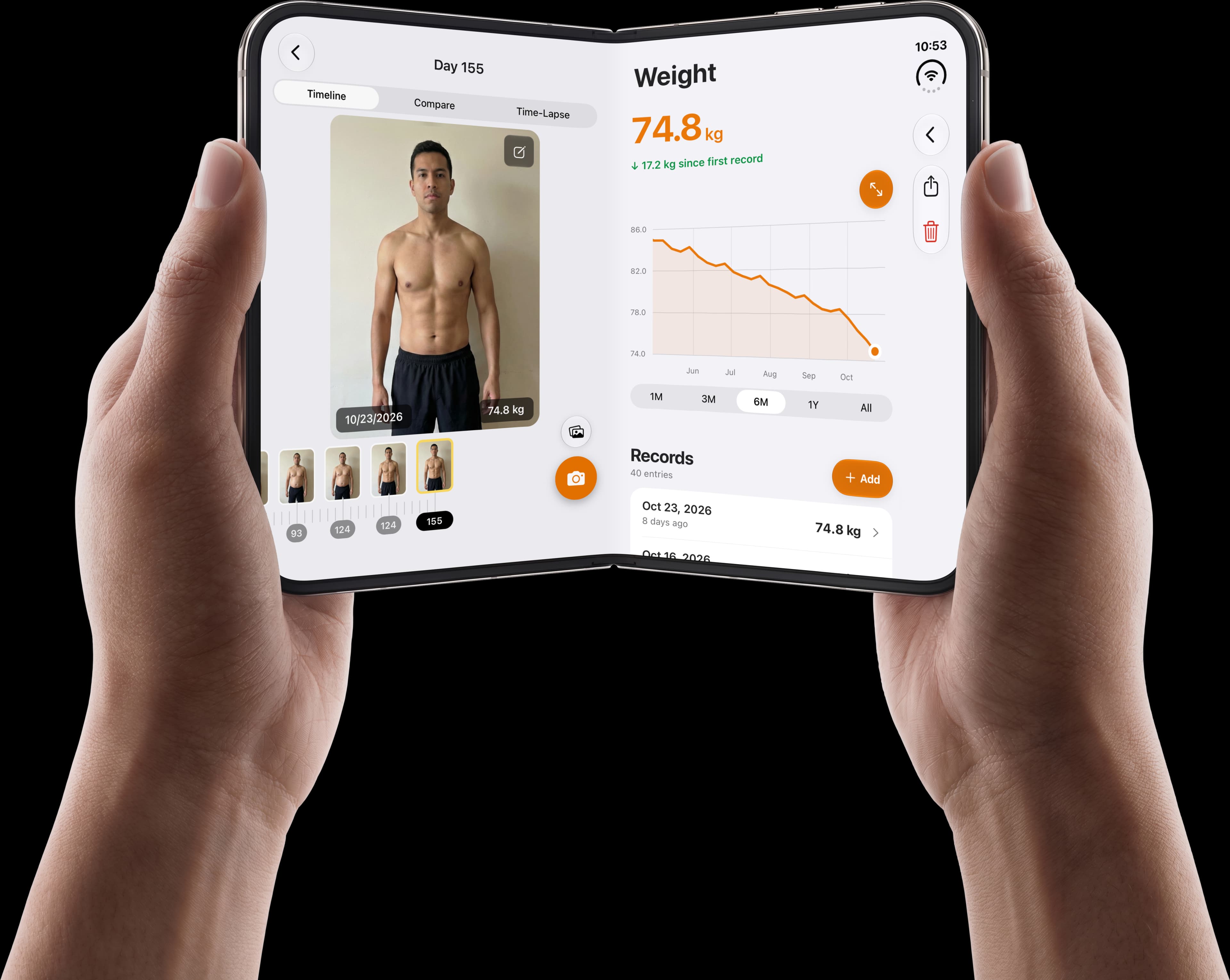
Track progress photos, weight, and body measurements in one simple daily check-in. Front, side, and back angles - organized in a single timeline.
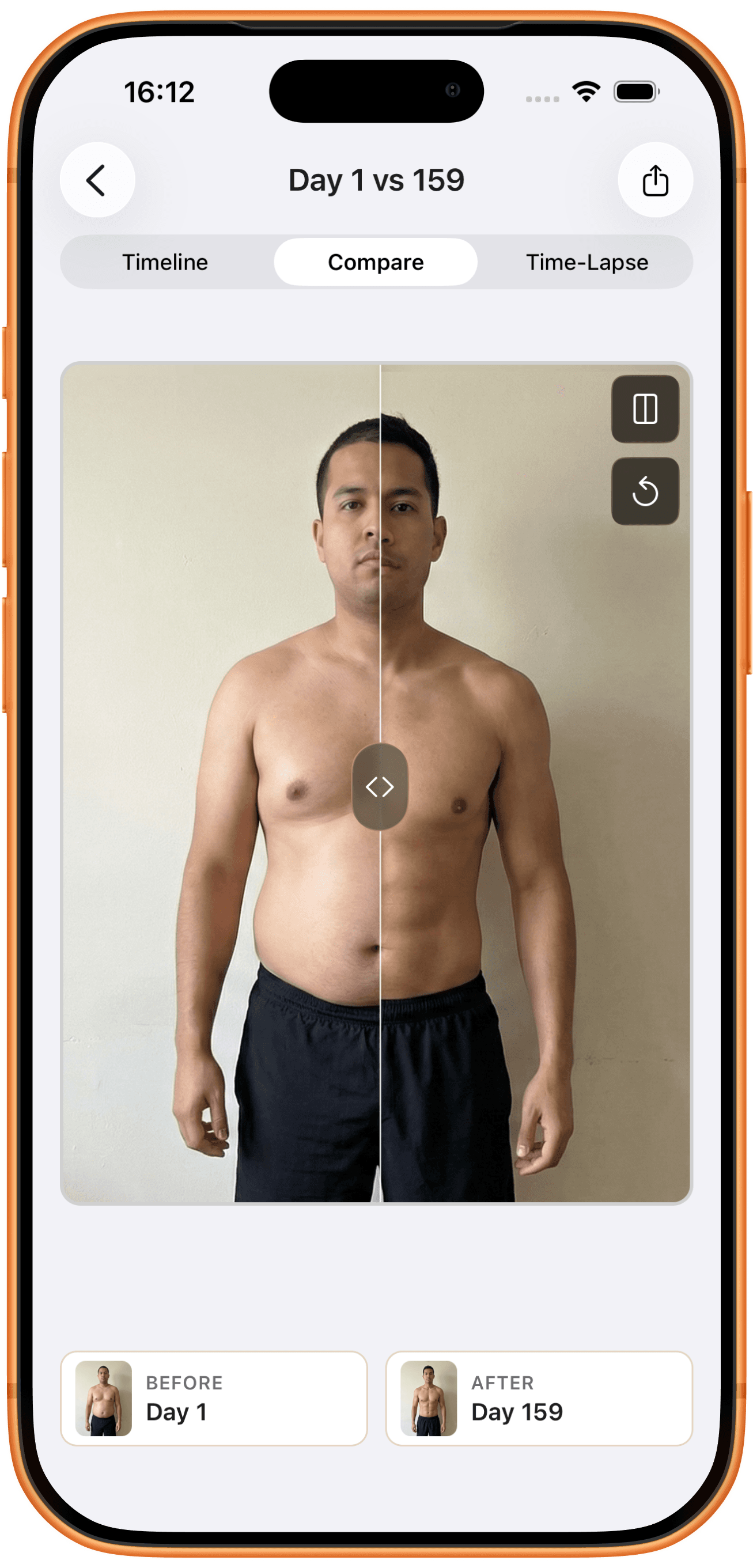
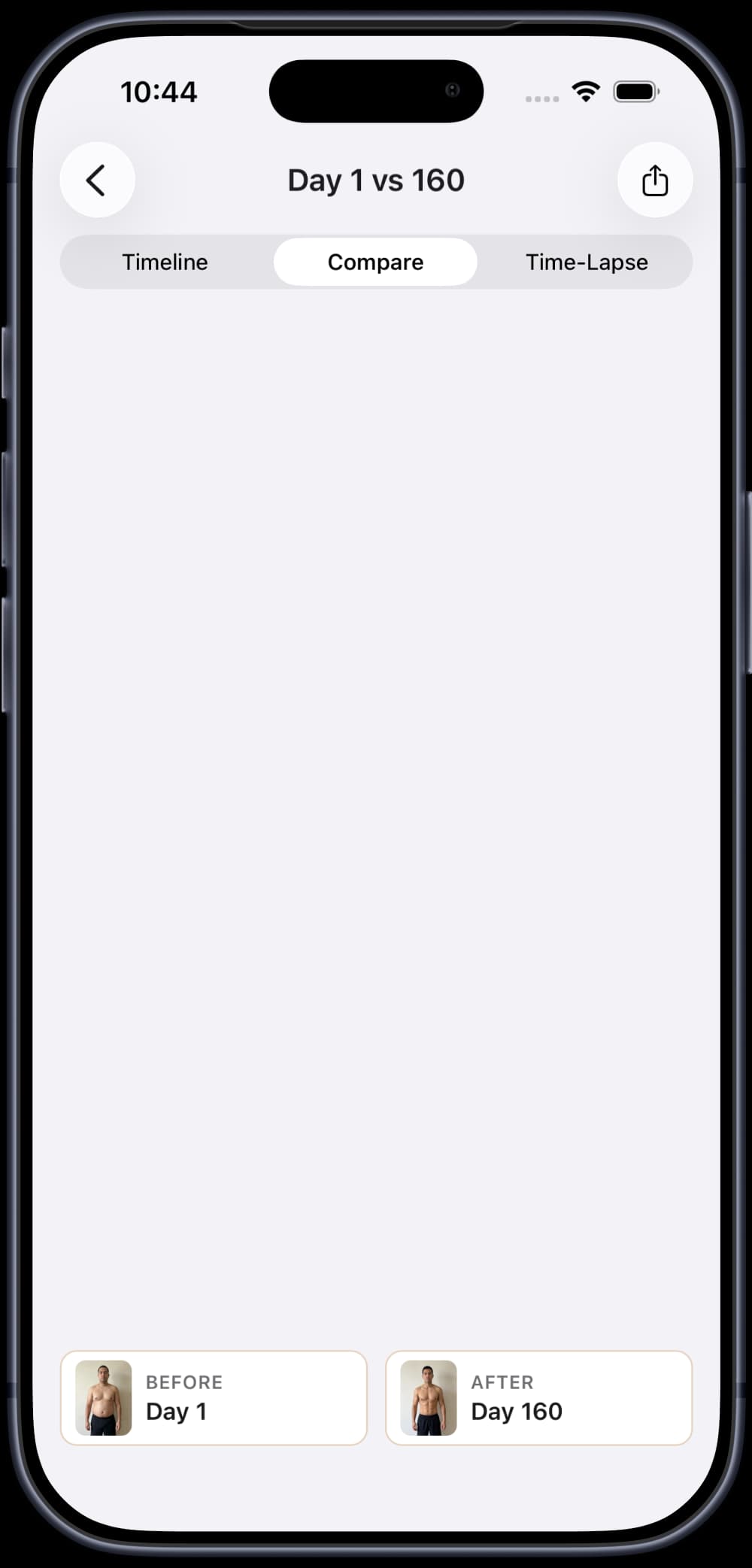
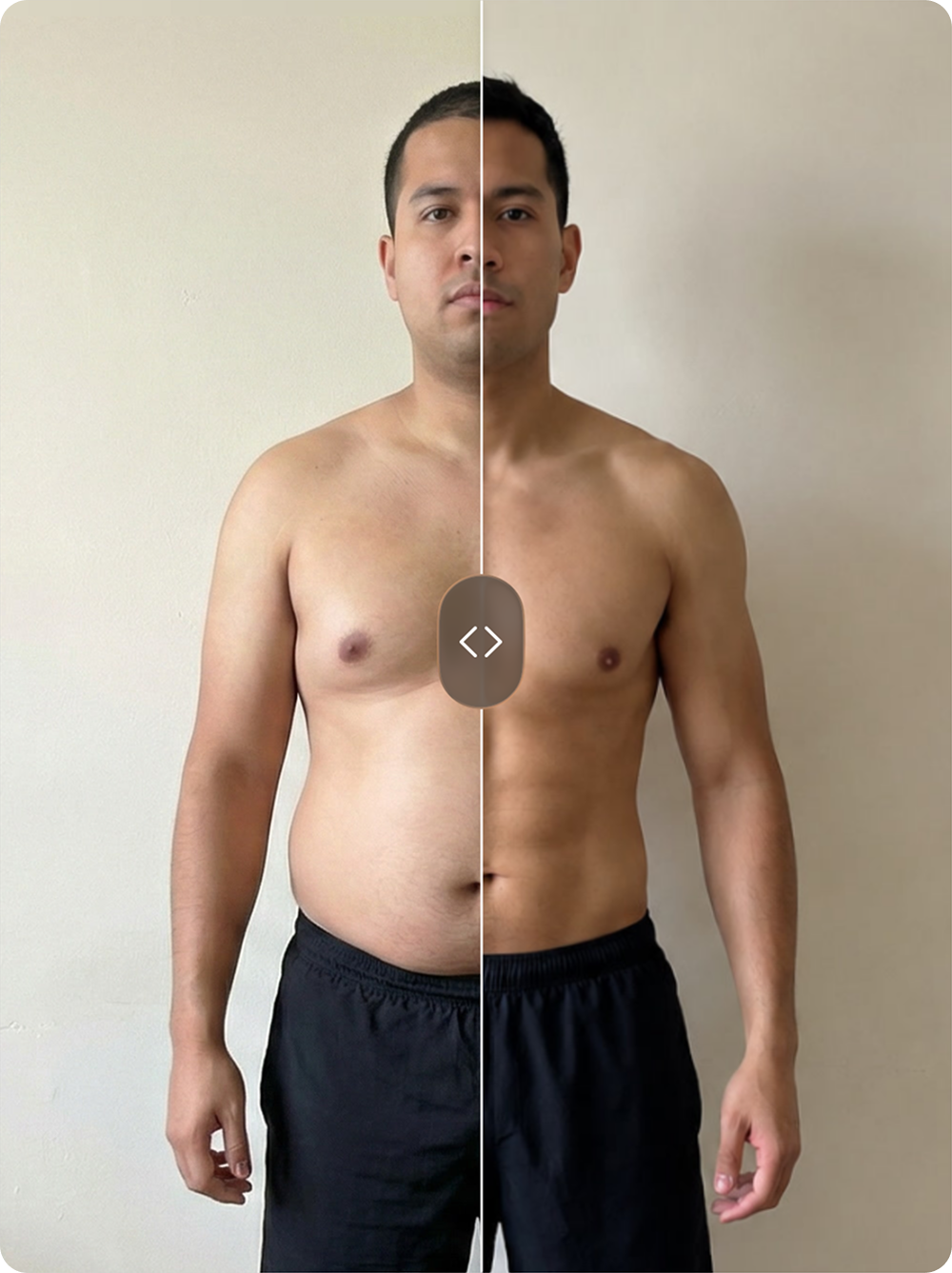
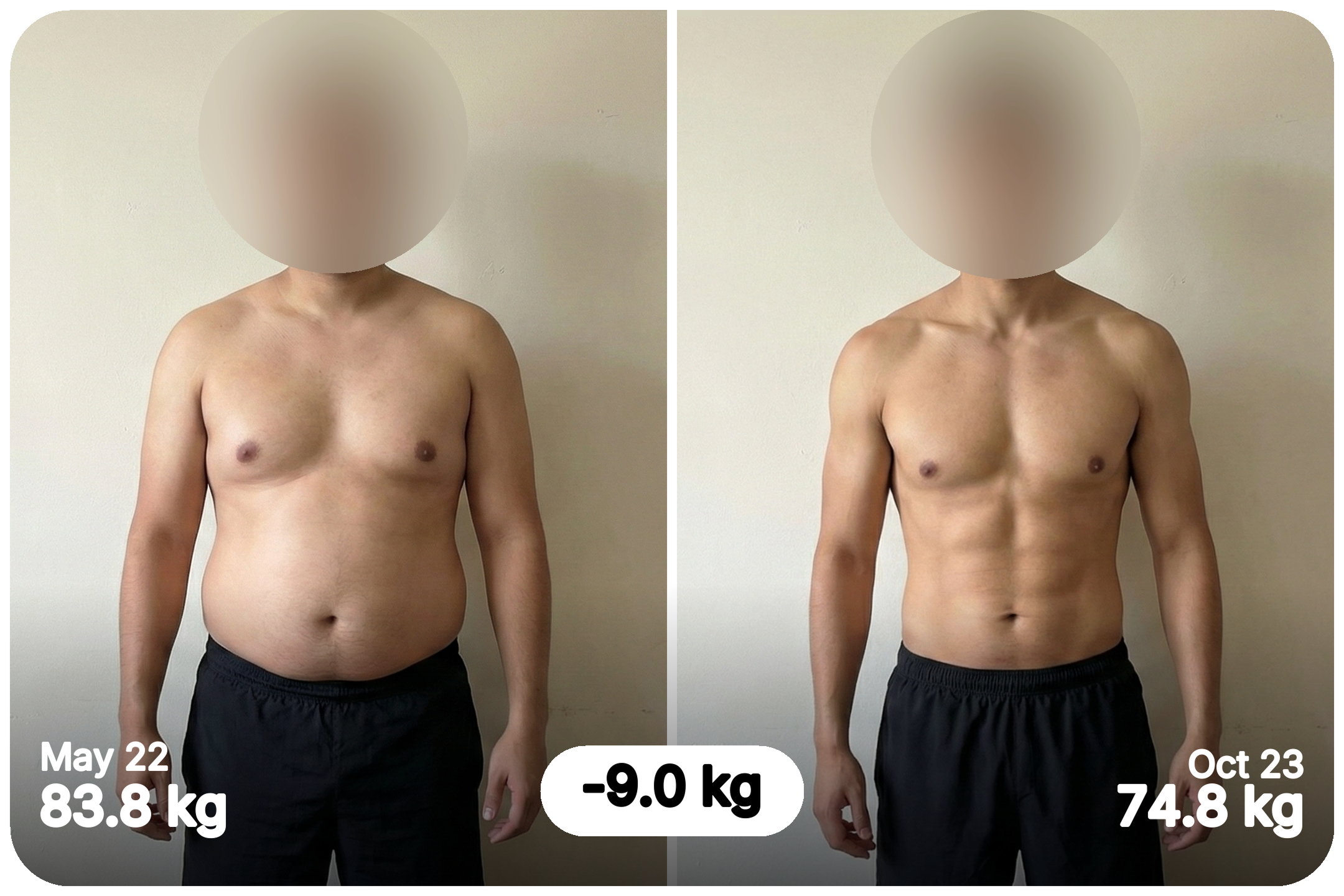
Compare your before and after photos side by side and discover the body changes that motivate you to keep going.
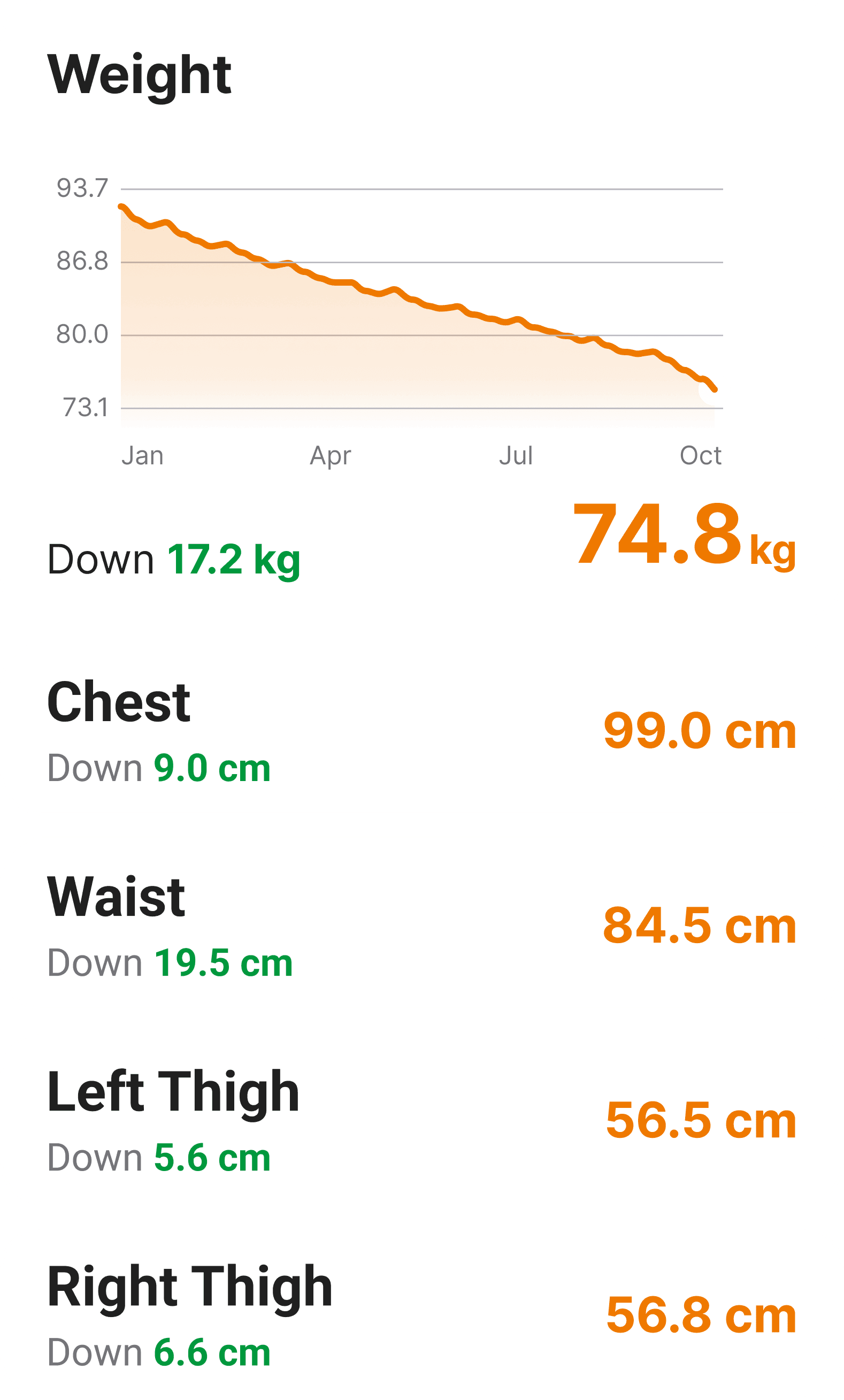
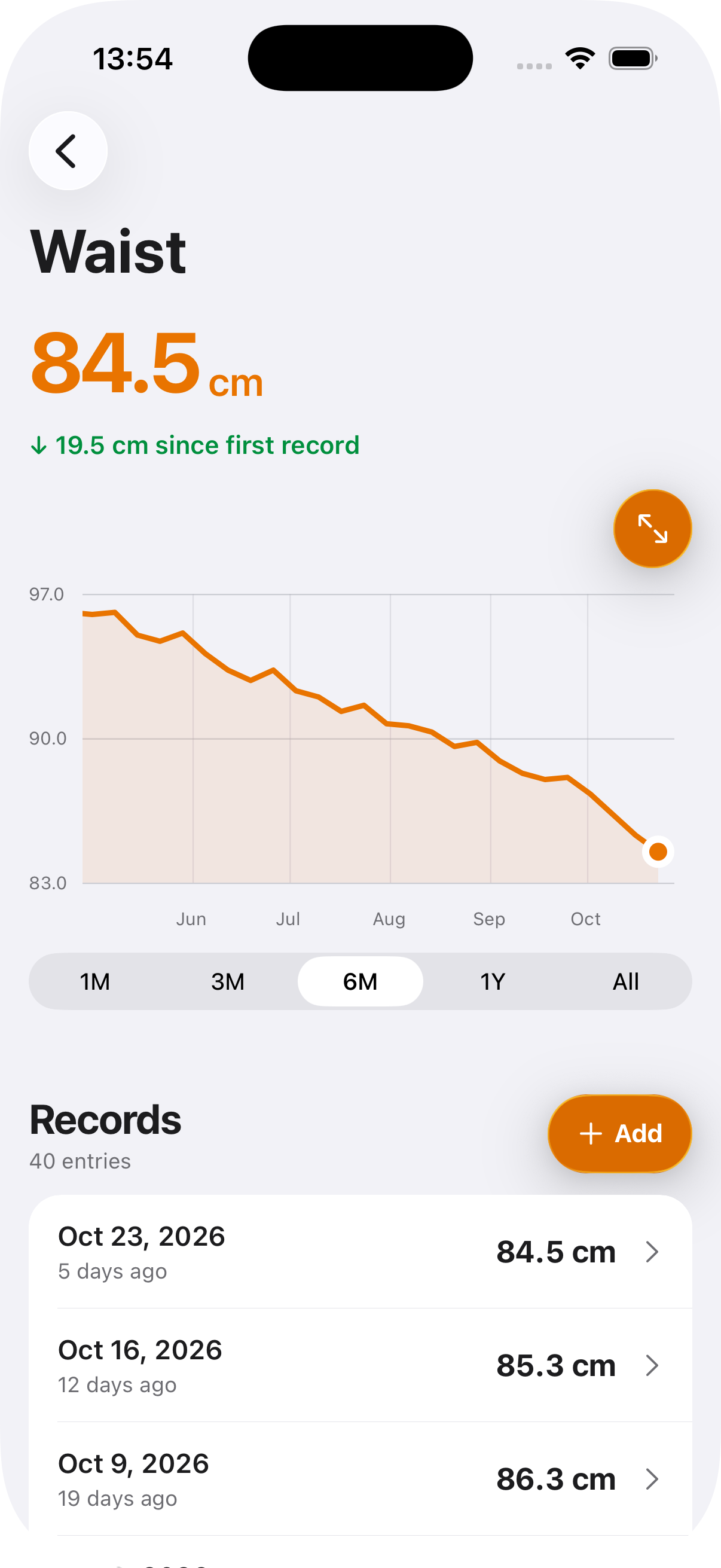
Stay focused on your weight loss or muscle gain goal with a clear view of how your body measurements change over time.
Keep your progress photos and body measurements organized in one app.
One check-in for today’s photos, weight, and measurements.
Start a check-in

Automatic photo alignment, body measurement charts, and time-lapse videos to see your progress.
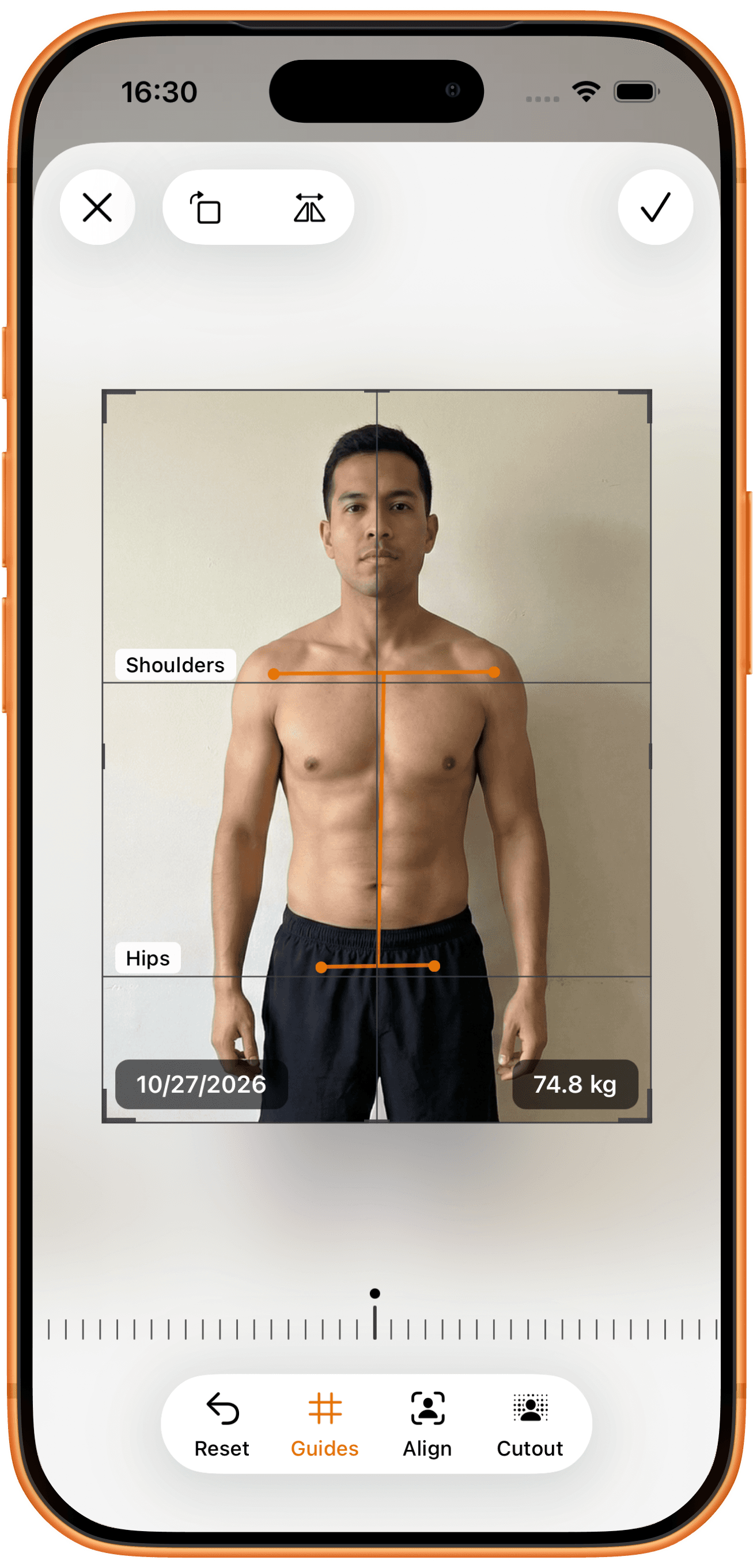
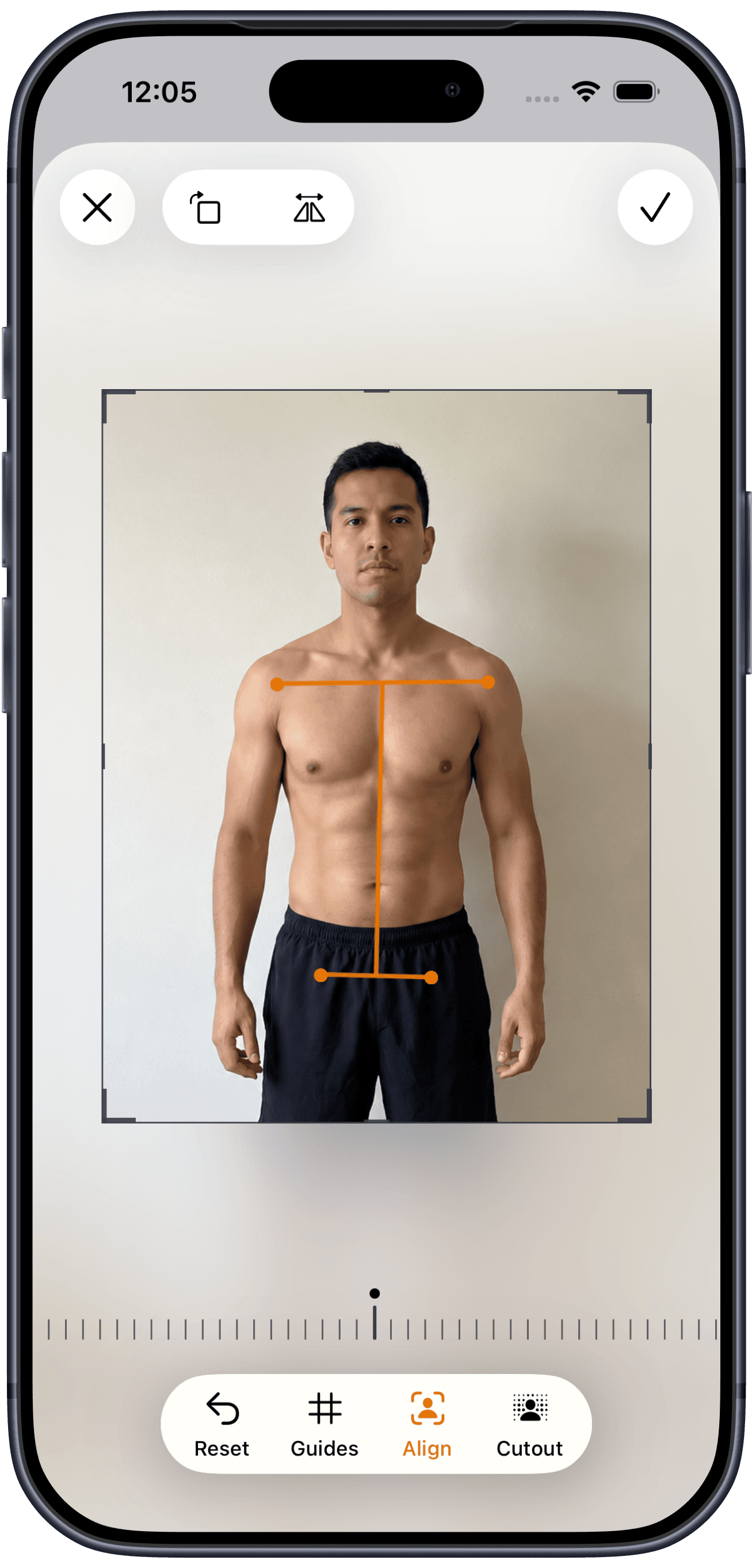
Automatically align progress photos you take or import, all on your phone.
Before-and-after progress photos: compare with a slider, side by side, or overlay.
Turn progress photos into body transformation time-lapse videos with dates and weight.
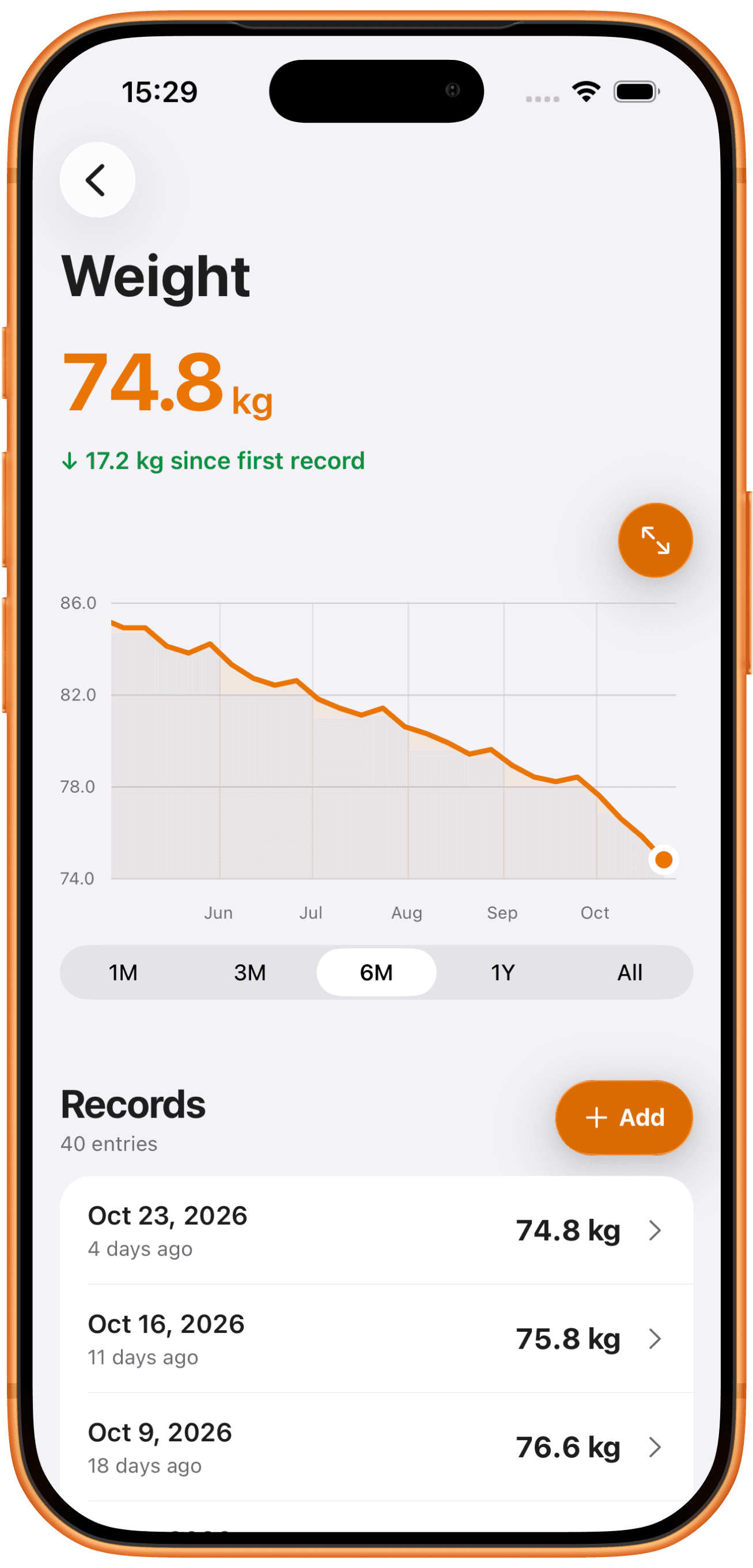
Track weight and 15 body measurements with charts that show your progress.
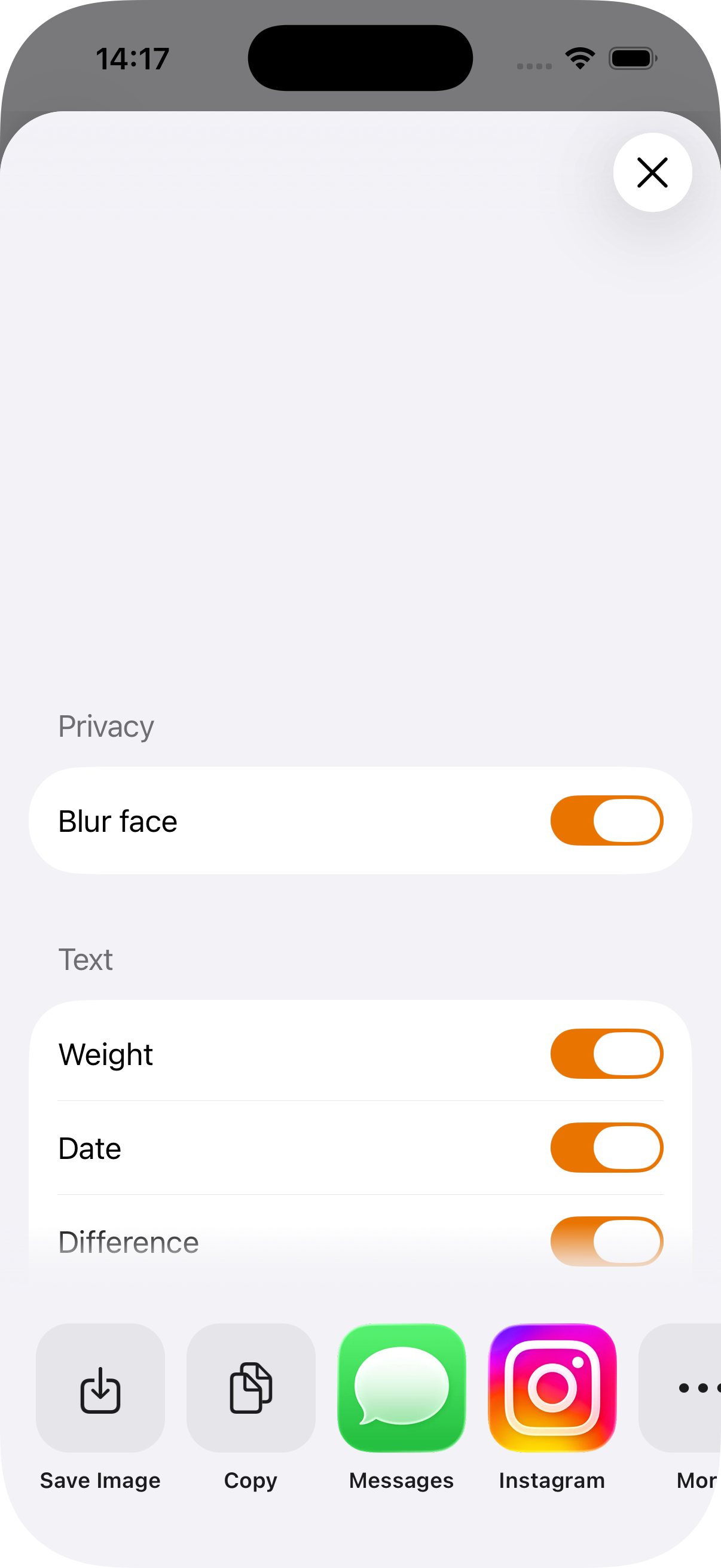
Share before-and-after photos or time-lapse videos with face blur.
Body Tracker includes tools to keep your progress photo habit consistent and your data secure.
Your data stay on your device. No cloud uploads, no account required, fully offline. Read our privacy approach.
Don’t just take our word for it. Hear from our users.